How to Use MailSched.com
1. Create an Account: Sign up quickly with your email to get started. A free account lets you manage 2 scheduled and 5 monthly one-time email. It’s a great way to try things out and see how it works.
2. Schedule Emails: Choose the recurrence, daily (paid plans only), weekly, or monthly. There is every setting you could need! Stay on top of tasks without manual follow-up. Setup a one-time email at the day and time of your choice.
3. Rest Easy: Knowing you’ll get a reminder to your email every time you need to take action.
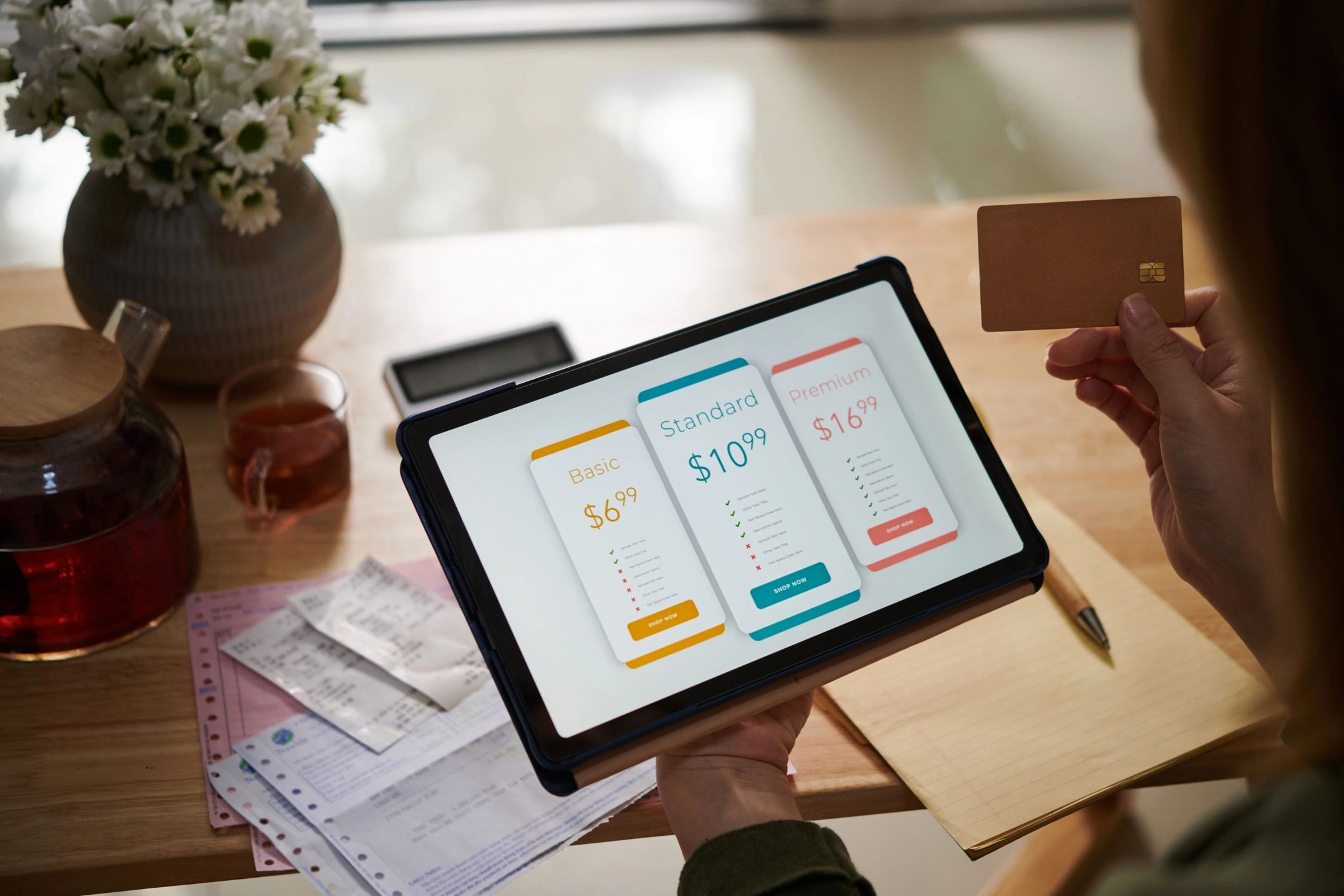
4. Manage Your Email Plans: Select a flexible monthly plan that fits your needs. Upgrade or adjust your plan anytime to match your workflow and email volume.
Our Core Services
Automate your email workflow and boost productivity with these powerful features.
Recurring Email Scheduling
Automate repetitive communication by scheduling daily, weekly, or monthly emails. Stay consistent without manual effort.
Automate Ticket Creation
Send emails to create tickets for recurring tasks such as backup validation, password changes, change management and more.
One-Time Email Scheduling
Set up emails to be sent at any future date and time. Perfect for timely follow-ups, reminders, and important announcements.


Customizable Emails
Take reminders to the next level with customizable email body text and subjects. Give detailed instructions or insert text to enable further automation.
Flexible Monthly Plans
Choose a plan that fits your needs. Upgrade or downgrade anytime to match your email volume and automation requirements. Save with annual billing.